Chatbots
Answers your customers, in your own words.
A pharmacy doesn't talk like a garage. The chatbot first learns your texts, price lists and procedures — and answers only from them, not from general information on the internet.
How it works
From your texts to the first conversation
You give us the material
Website, price list, FAQs, opening hours. From these we build the chatbot's knowledge base, in Greek and English.
We set it up in your style
Name, colours, greeting, what it may and may not say. You test it in a sandbox before it goes live.
One line on your website
The chatbot is added to your site with a small snippet of code or connected to your messaging channels. It runs on our servers.
You see what people ask
Conversations and requests in your account. Leads go wherever you want: email, Google Sheet or CRM.
What's included
The same assistant, on every channel
Choose a feature to see what the chatbot does in practice.
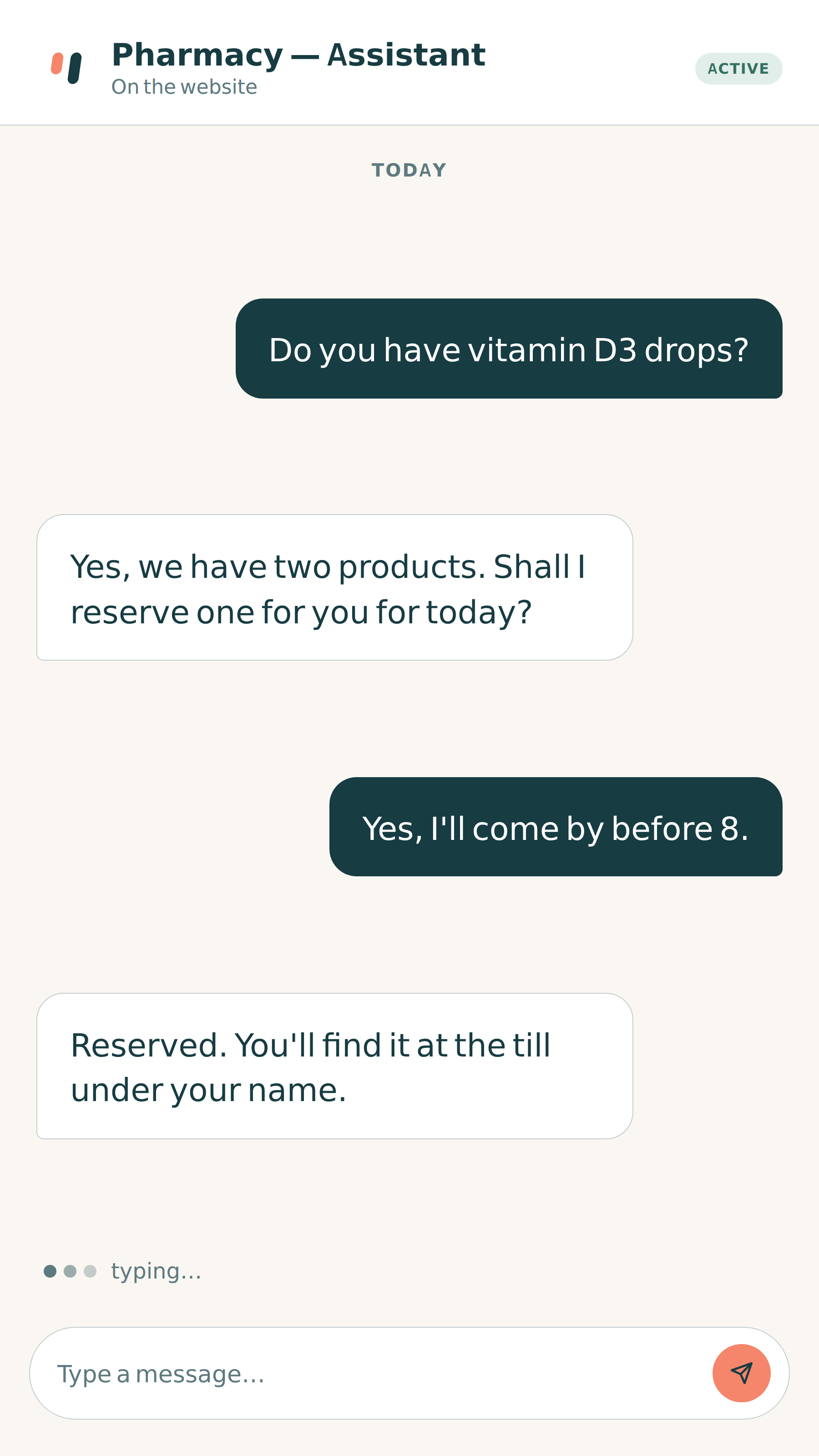
Website
Answers from your own texts and price lists
One line of code on your website. Visitors ask in their own words and get answers only from what you have approved.
- Greek and English
- If it doesn't know, it says so and refers on
- In your colours and tone
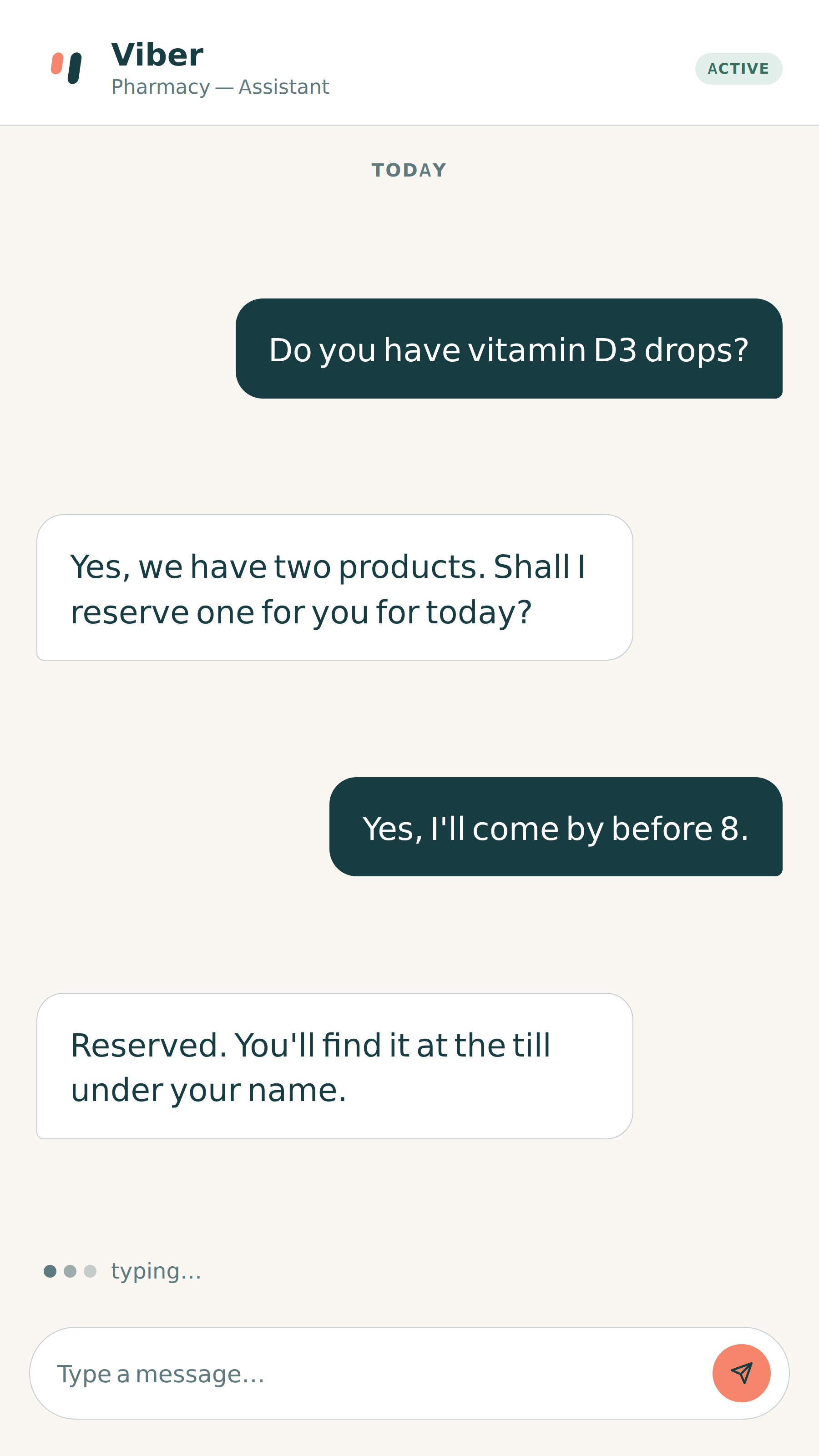
Messaging
Viber, WhatsApp, Messenger, Instagram — one knowledge base
Customers write wherever suits them. The chatbot answers the same way everywhere, from the same knowledge base.
- Change something once, it applies everywhere
- Conversations from every channel on one screen
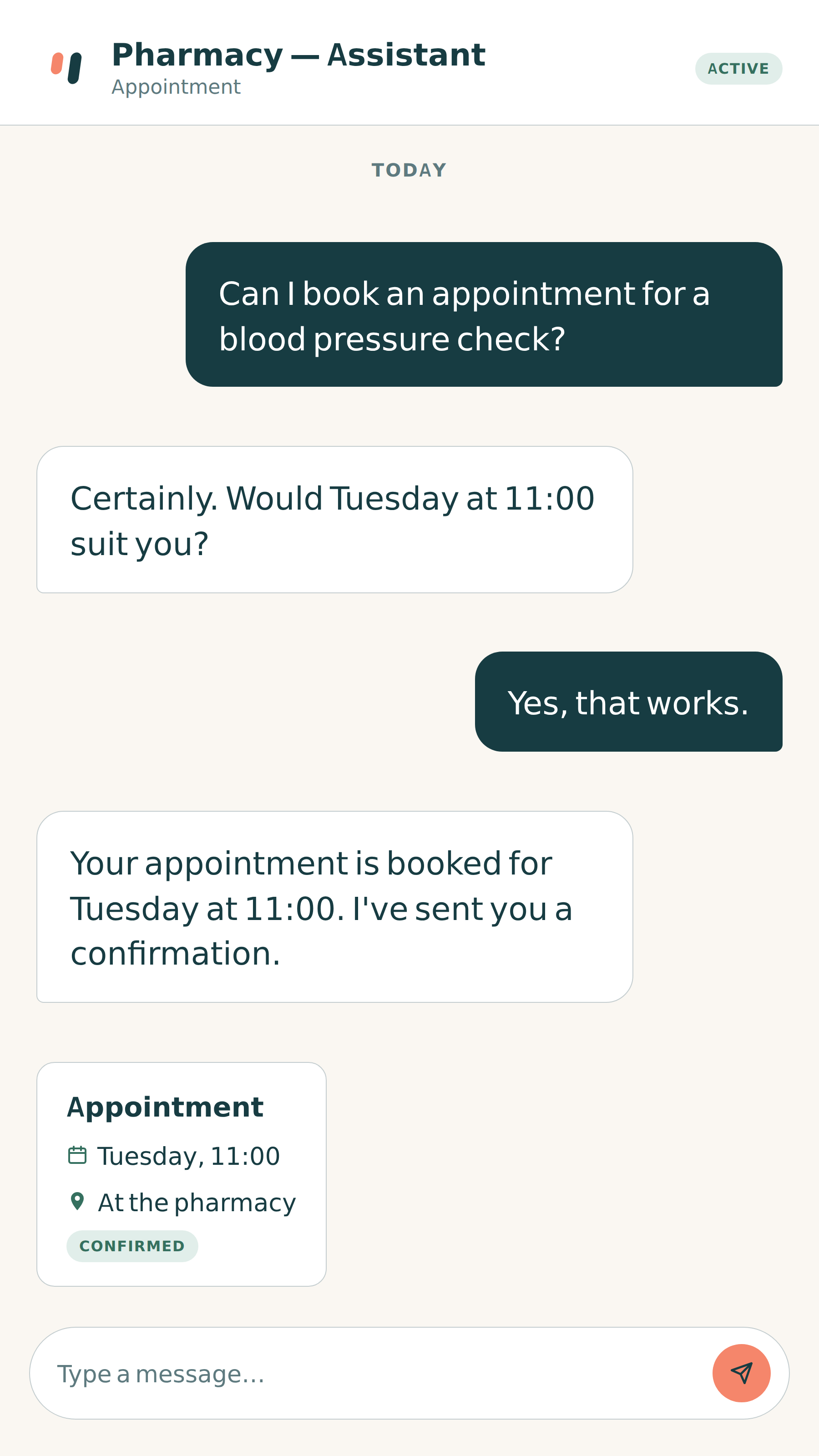
Actions
Books appointments and takes payment within the conversation
It writes to your calendar, confirms with the customer and sends a confirmation or receipt — without switching apps.
- Book, reschedule, cancel
- Card payment
- Confirmations and receipts
Handover
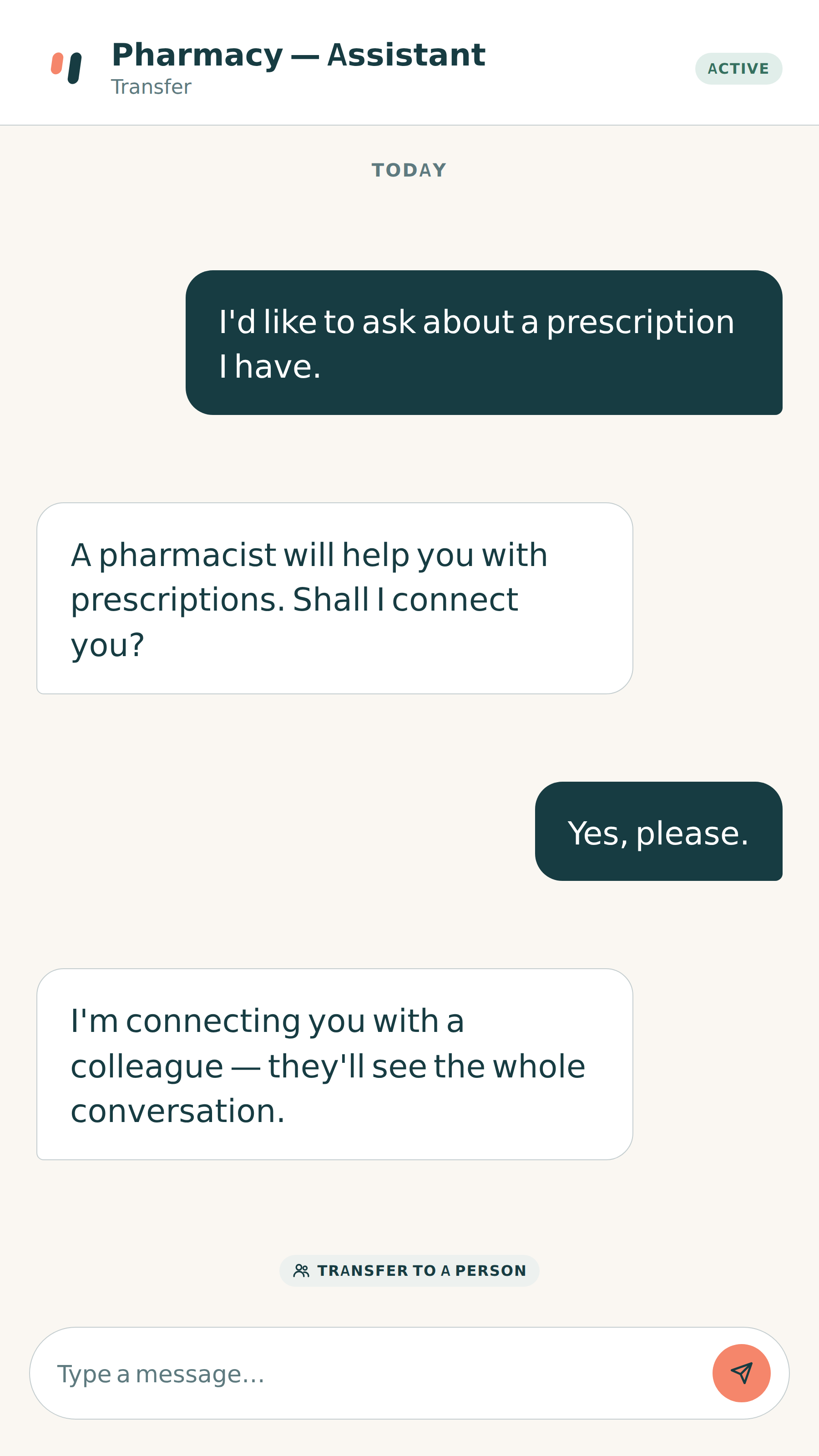
When a person is needed, it brings one in with a click
The conversation passes to your team with its full history. Outside opening hours it keeps the request and notifies you.
- Consent before any personal details
- Leads to email, Google Sheet or CRM
Public bodies
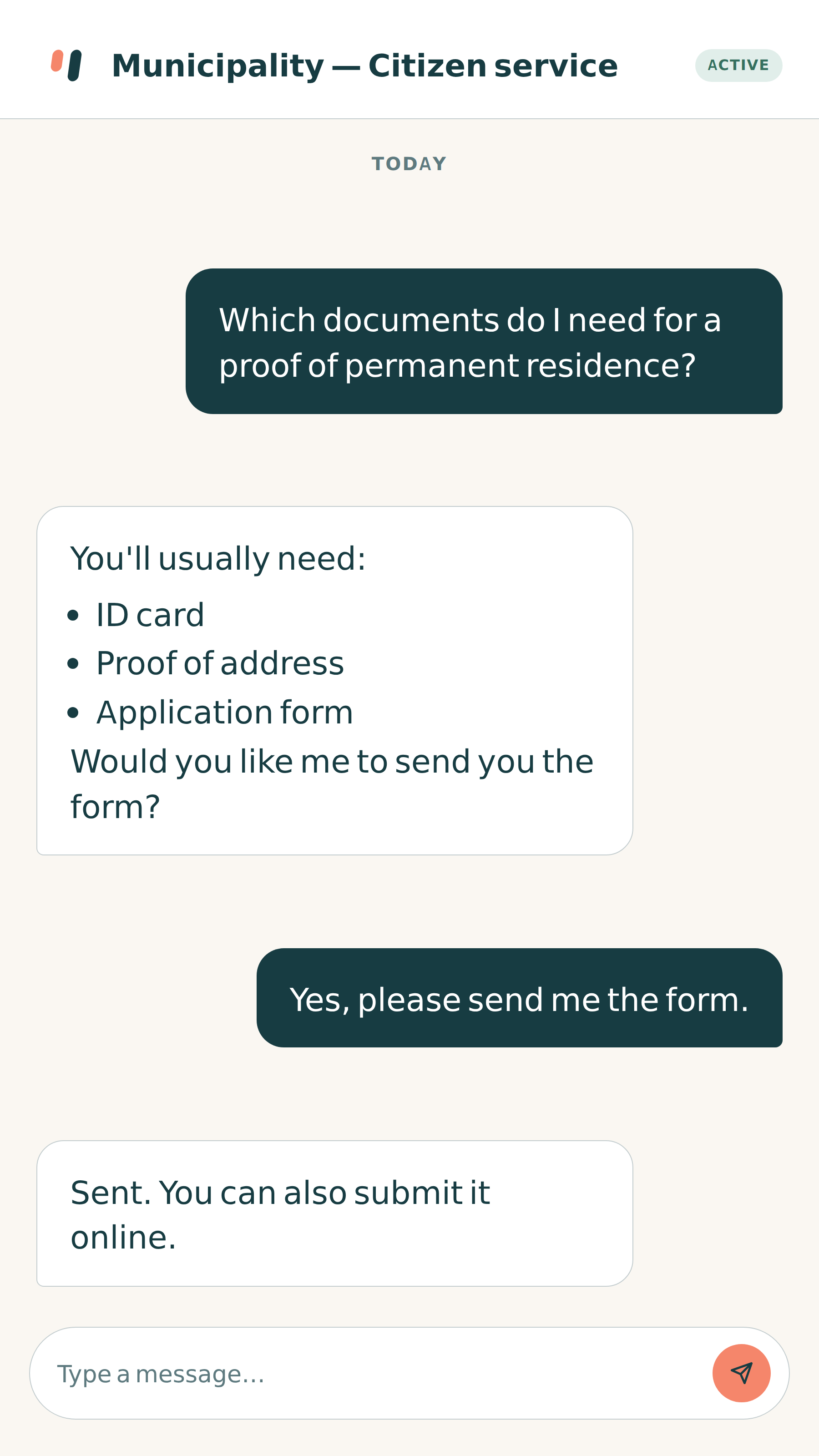
Citizen service for procedures and required documents
The same chatbot, set up around the services and opening hours of the municipality or organisation.
- Which documents, where, when
- Referral to the right department
See it in action, on your own material
In a short demo we show you how a chatbot set up for your industry answers.
Frequently asked questions
Before we start
Have another question?
Ask usWill it say things that aren't true?
The chatbot answers only from the knowledge base you approve. If something isn't there, it says it doesn't know and suggests contacting a person. It does not pull information from the internet.
What do you need from me?
Your website or whatever texts you have (services, prices, opening hours, FAQs), and where you want requests to go. We set up the rest and you approve it before it goes live.
Where are conversations stored?
On an AI VOICE server in the European Union, for a specific period defined in the contract, after which they are deleted automatically. Customer details are requested only with consent.
Can I change the answers myself?
Yes. The knowledge base is a set of question-and-answer cards you edit from your account — or send us a message and we'll do it.
What happens when a customer wants a person?
The chatbot recognises it and hands the conversation to your team with its full history. Outside opening hours, it keeps the request and notifies you.
Ready to answer even when you're too busy?
Tell us what your customers ask most often and we'll show you how your chatbot will answer.