
Digital team
Repetitive office work gets done without you chasing it.
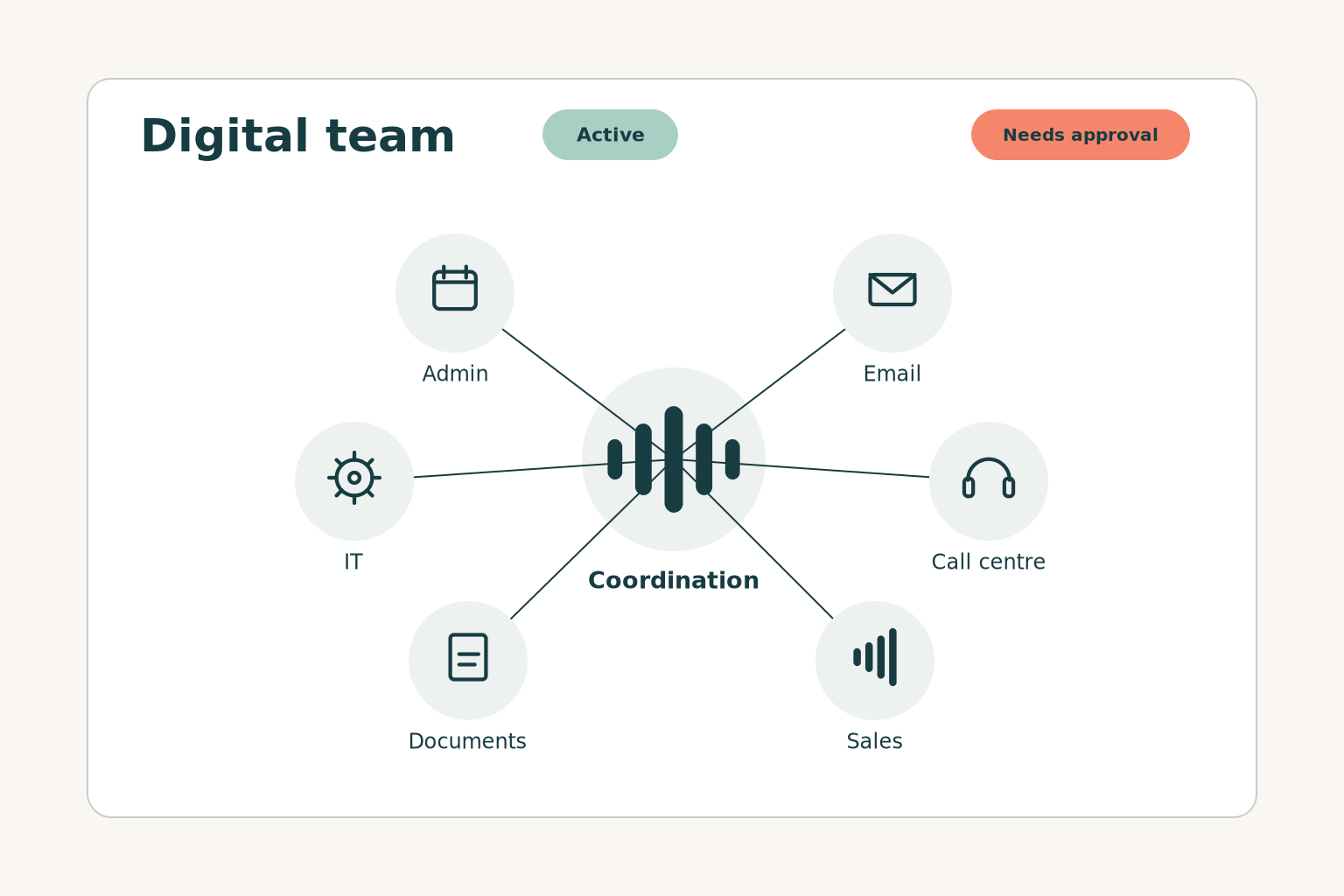
We set up digital assistants for each area of your business, such as admin, communication, sales and documents. They work with the tools you already use and ask for your approval wherever you decide.
The teams
One assistant for each area of your work
Each assistant takes on one area. You start with the one that puts you under the most pressure and add the next when you need it.
Admin support
Appointments and requests, organised from the first moment
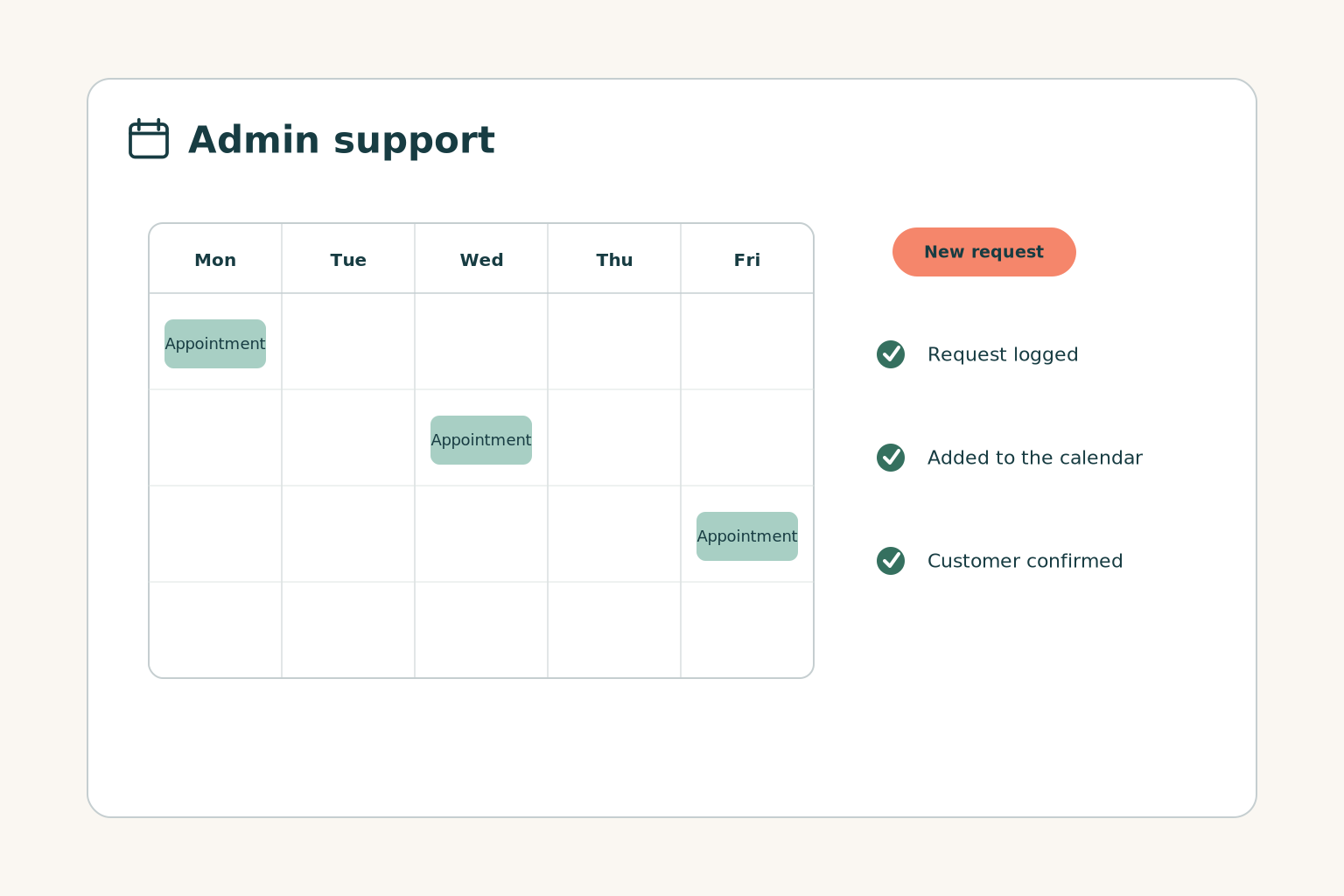
Books and changes appointments, logs every request and sends it to the right person on your team.
- Appointments in your calendar
- Requests logged from phone and chat
- Confirmation to the customer
- Your team updated on their mobile
Email & communication
Every message gets a reply in your tone
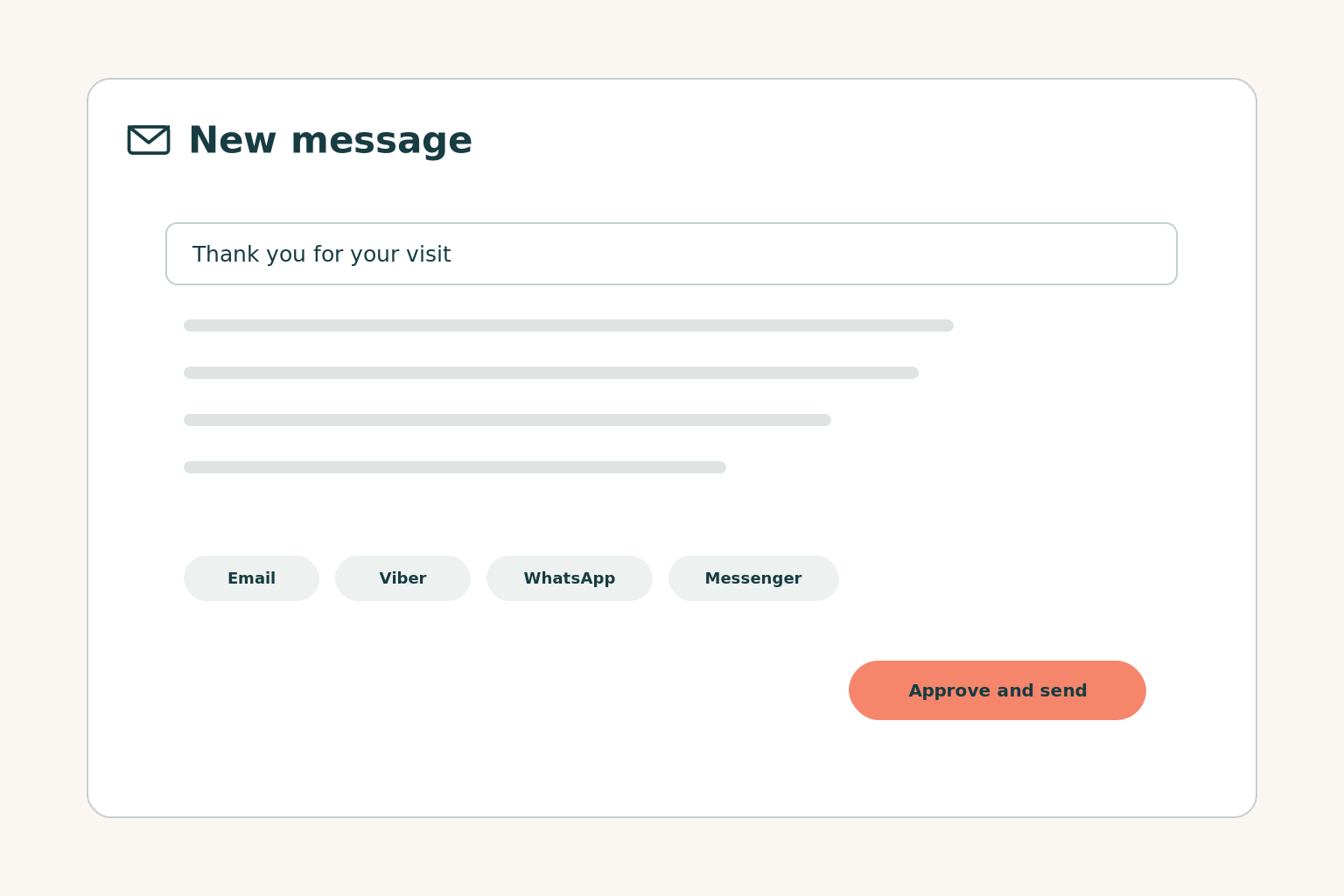
Writes emails from your own material, sends the next message at the right moment and answers the same questions on your website, Viber, WhatsApp and Messenger.
- Email in your business's own tone
- Welcome and follow-up sequences
- The same assistant on every channel
- Approval before every send
Call centre
Calls are answered at peak times and after hours too
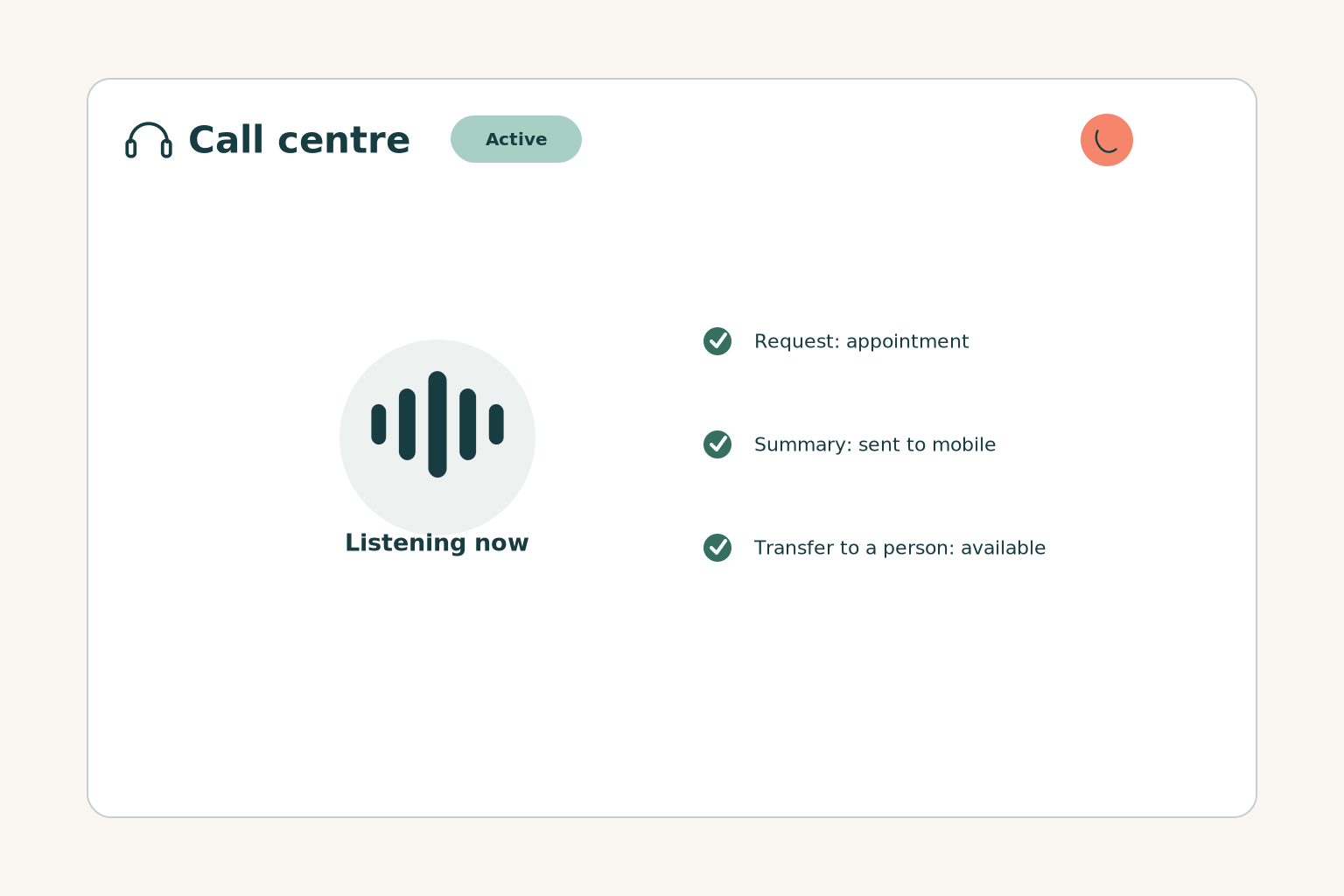
Answers in Greek, understands the request, books appointments and transfers the call to a person when needed.
- Answers in the language of your industry
- A summary of every call on your mobile or in your CRM
- Transfer to a person
- Opening hours, prices and rules that you set
Marketing & sales
Prospects get a follow-up, not silence
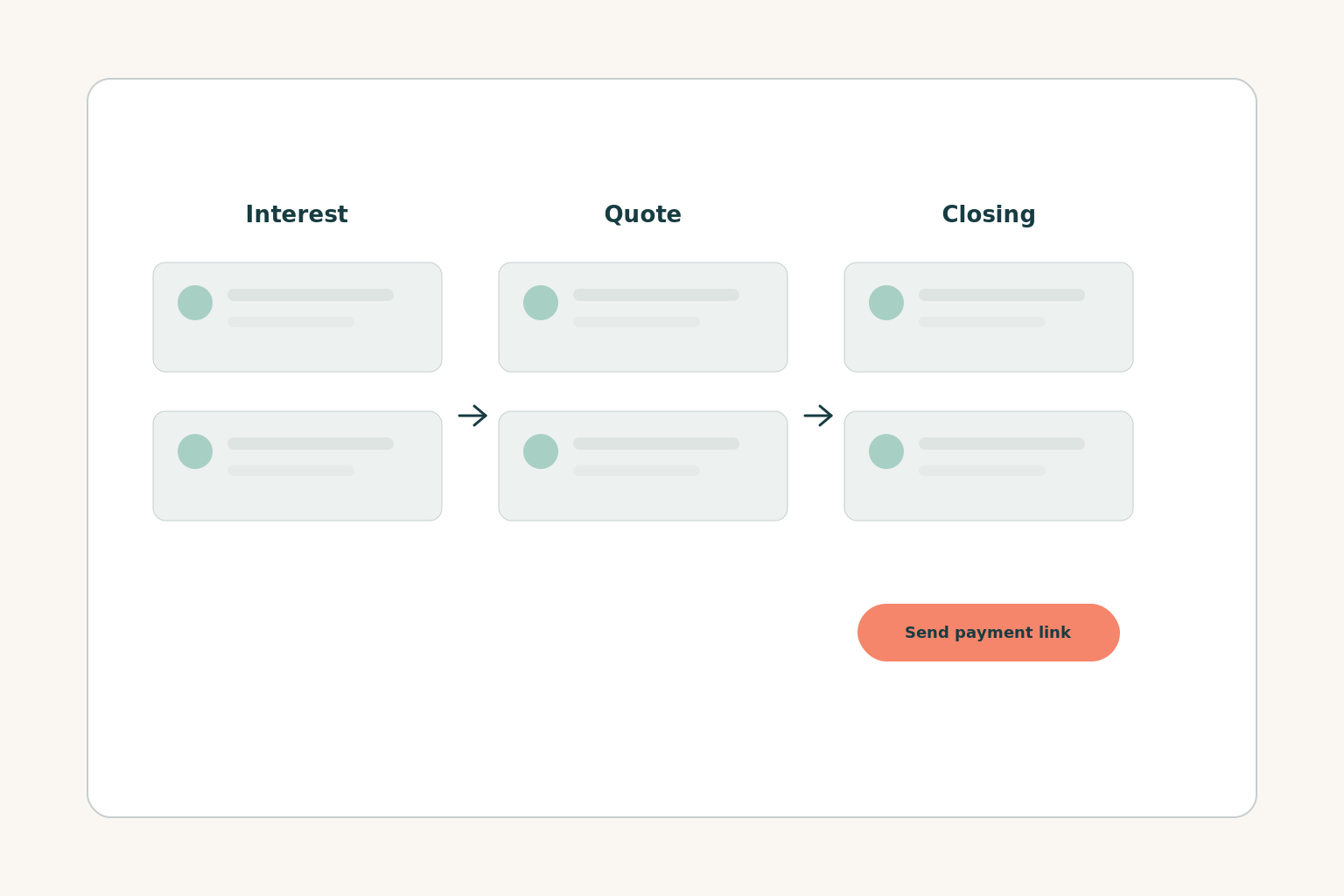
Groups your contacts by interest, sends the next message and shows you who needs a next step. When the deal closes, it sends the customer a payment link.
- Contact groups based on interest and behaviour
- Tracking of opens, clicks and replies
- Payment links and card payment inside the chat
- Connection to your CRM, e-shop and booking system
Documents & knowledge
Find what you've written and write what you need
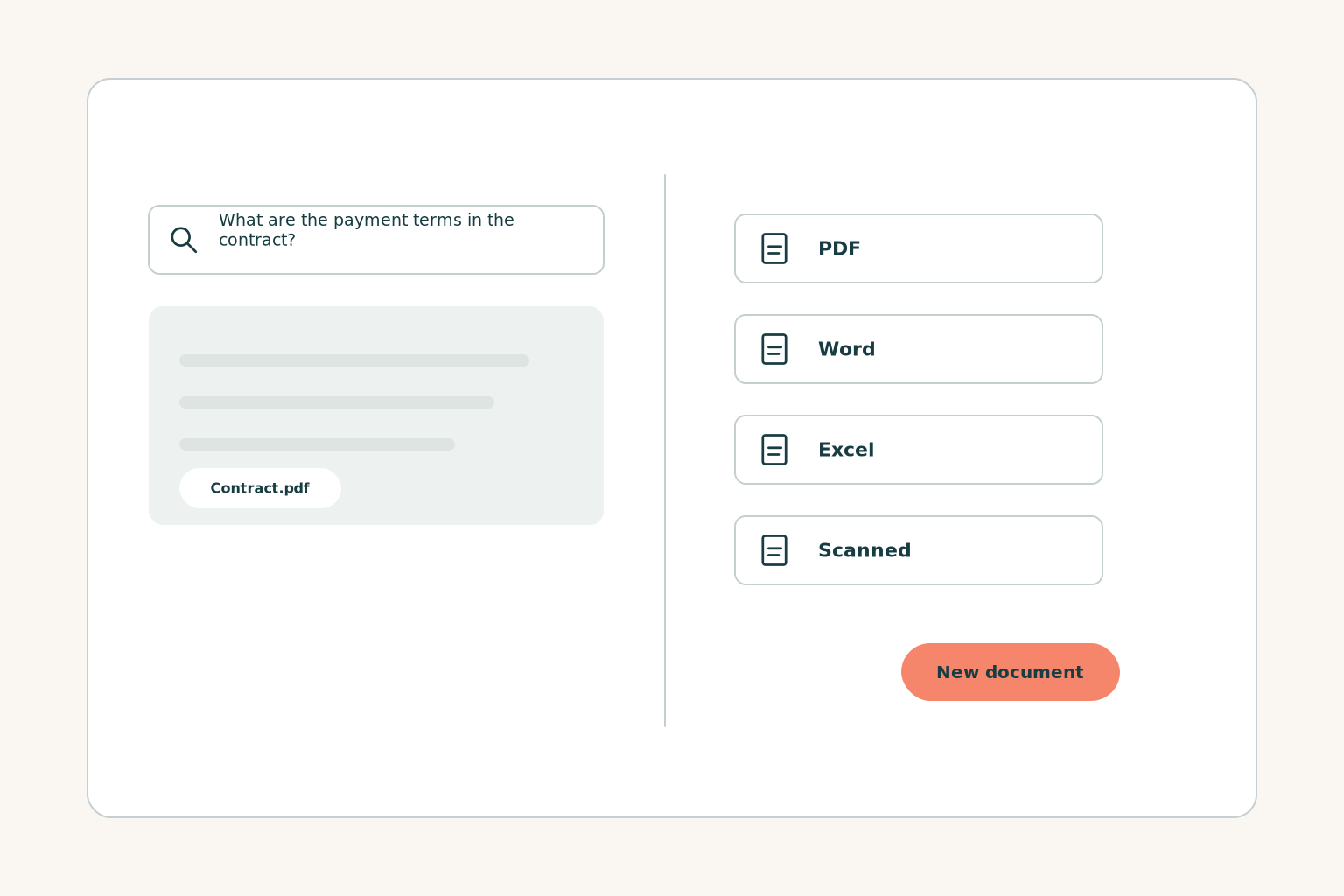
Searches all your files, in any format, and answers together with the source. Writes new documents based on previous ones or by gathering new information.
- Search across files in any format
- Answers together with the source file
- Contracts, quotes and reports
- Excel, P&L and budgets
- Training programmes and presentations
- Access rights respected
IT support
Small technical issues are solved before they become big ones
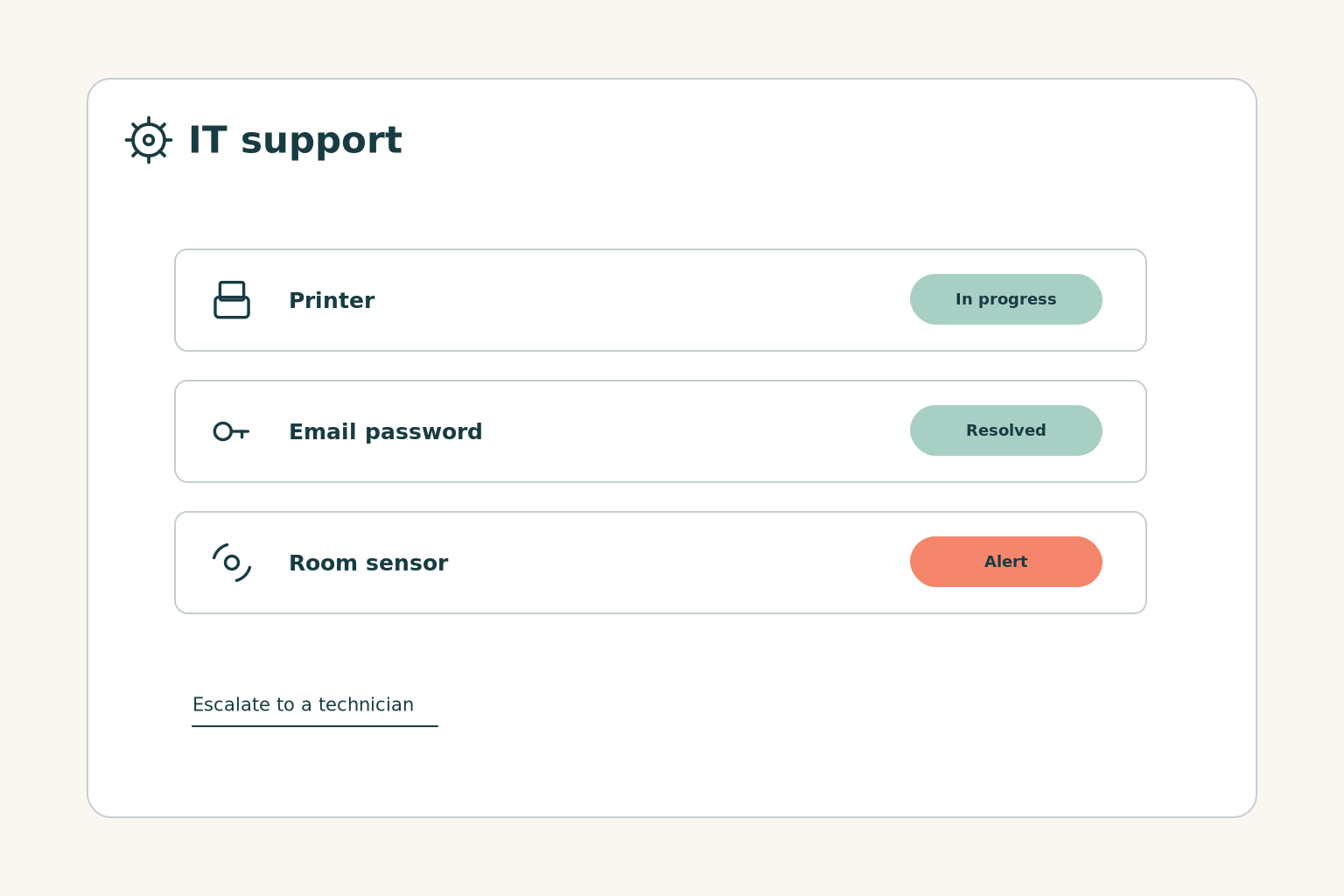
Answers your team's frequent technical questions, logs every fault report and alerts you when a reading goes out of range.
- Guidance for your team's frequent questions
- Requests logged and prioritised
- Alerts from sensors and devices
- Escalation to a technician
How they work together
One request from start to finish, without you passing it on
Example scenario
The customer calls or writes
The call centre or the chat logs the request.
The appointment is booked
Admin adds it to the calendar and sends a confirmation.
The quote is prepared
The documents team prepares it from your template and you approve it.
The follow-up happens
A follow-up email goes out and the customer pays by link.
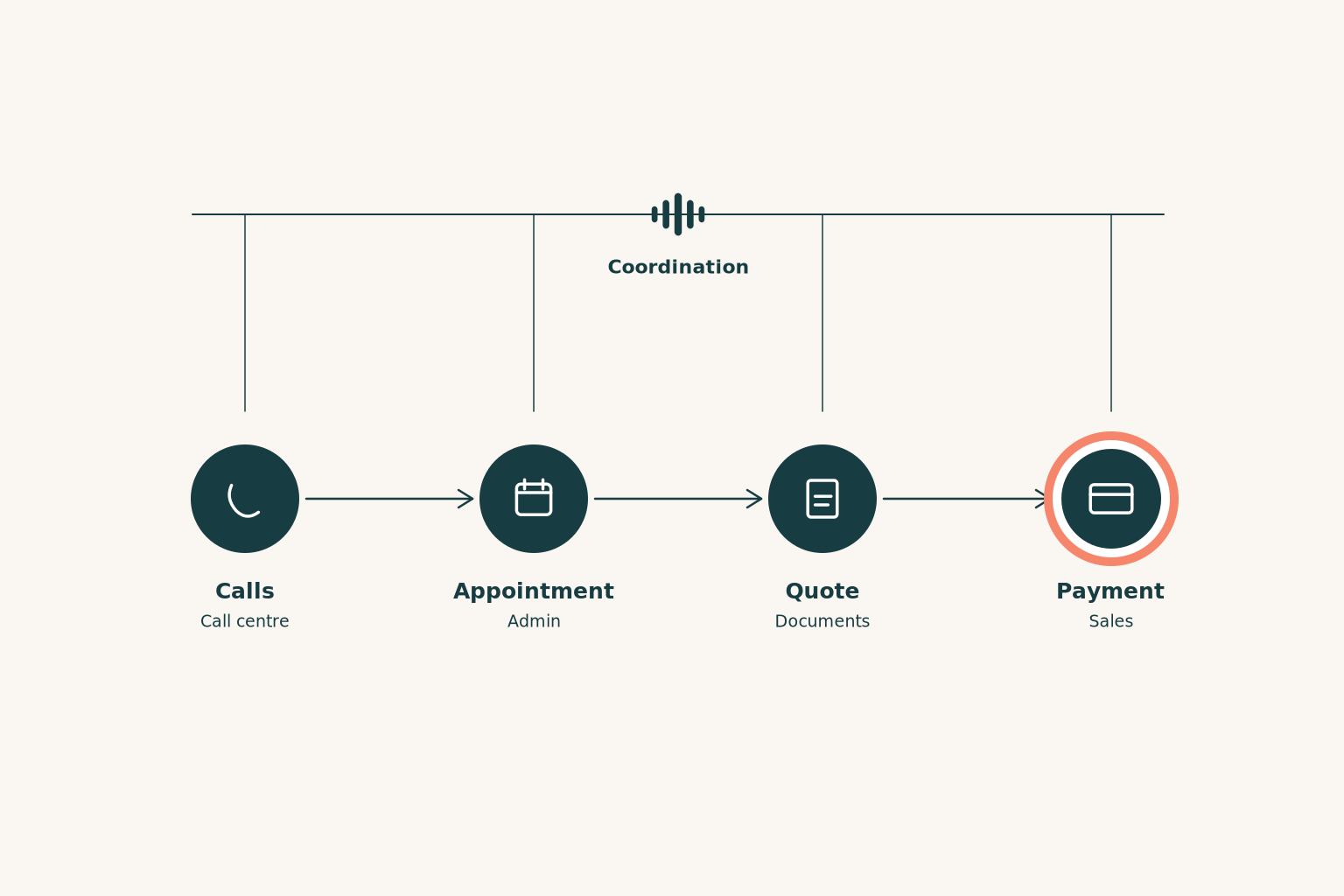
Example scenario. The order and the tools are defined together with you.
Quotes, emails and payments go out with your OK, wherever you decide.
Every action is logged and visible in your account.
Opening hours, prices and rules change once and apply to all assistants.
Coordinating now
Frequently asked questions
Before we start
Have another question?
Ask usDo I need all the teams from the start?
No. You start with the area that puts you under the most pressure and add the next one when you need it.
Does it replace my employees?
No. It takes on the repetitive tasks, so your team can focus on work that needs judgement and personal contact.
Which software does it work with?
With the ones you already use: calendar, email, CRM, e-shop, files. We confirm the list at our first meeting.
Do I need an IT department?
No. We set up and test the assistants on your own data and stay by your side as your work changes.
What happens when something goes beyond it?
The assistant stops and passes it to a person on your team, together with the full history.
Which office task would you rather not do tomorrow?
In a short meeting we listen to how you work and tell you which team is worth starting with.