Documents & knowledge
Everything ever written in your business, one question away.
The assistant searches all your files, in any format, and answers together with the source. It writes new documents from previous ones or by gathering new information, and you review them before they are used.
Search
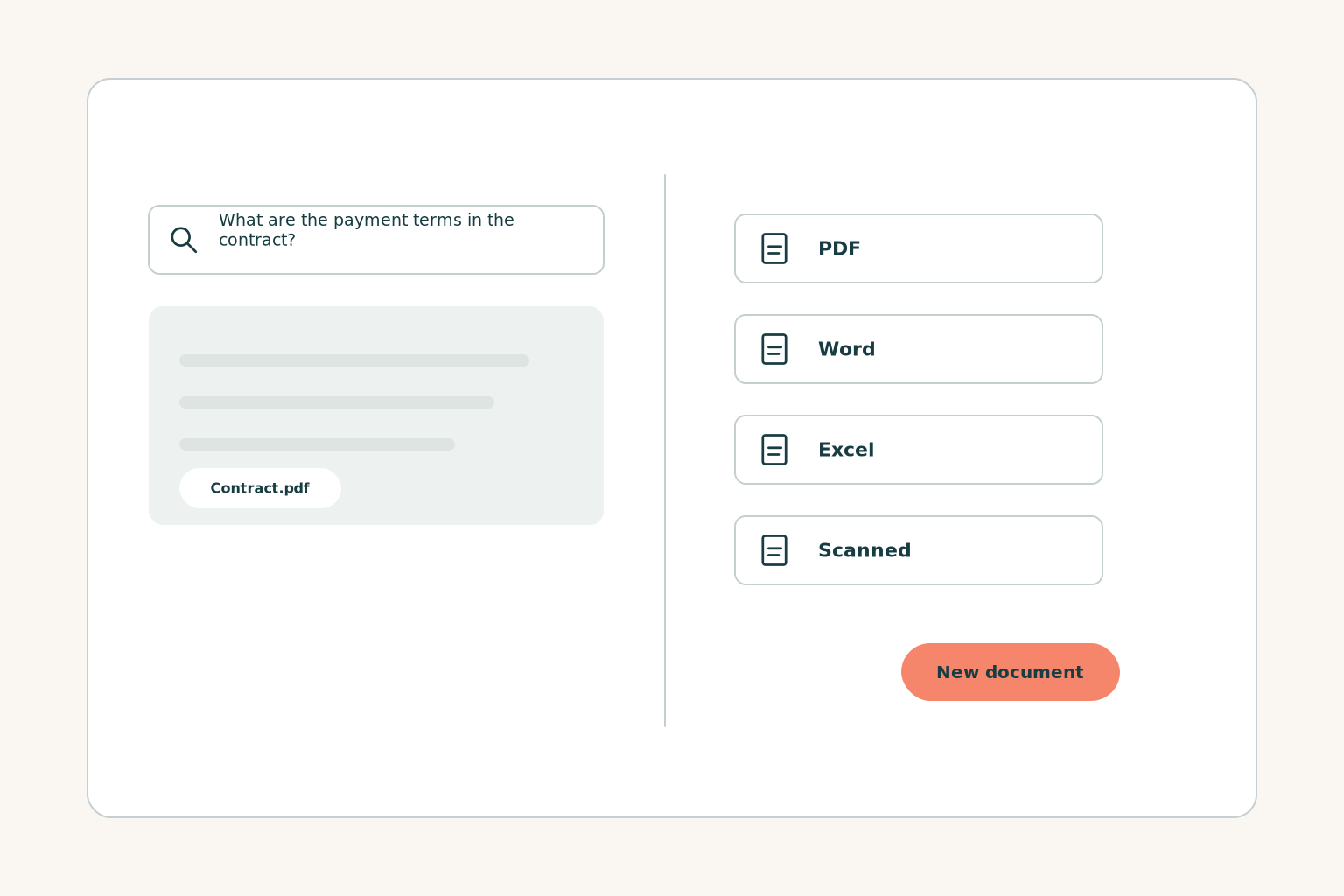
Ask in plain words, get an answer with the source file
You don't need to remember where a document was saved or what it was called. Write your question as you would ask a colleague and the assistant answers, showing which file the answer came from.
- Any format: PDF, Word, Excel, email, scanned documents
- Understands Greek, accents and abbreviations
- Shows the source file with every answer
- Each user sees only what they are allowed to
- Works with the files you already have
New documents
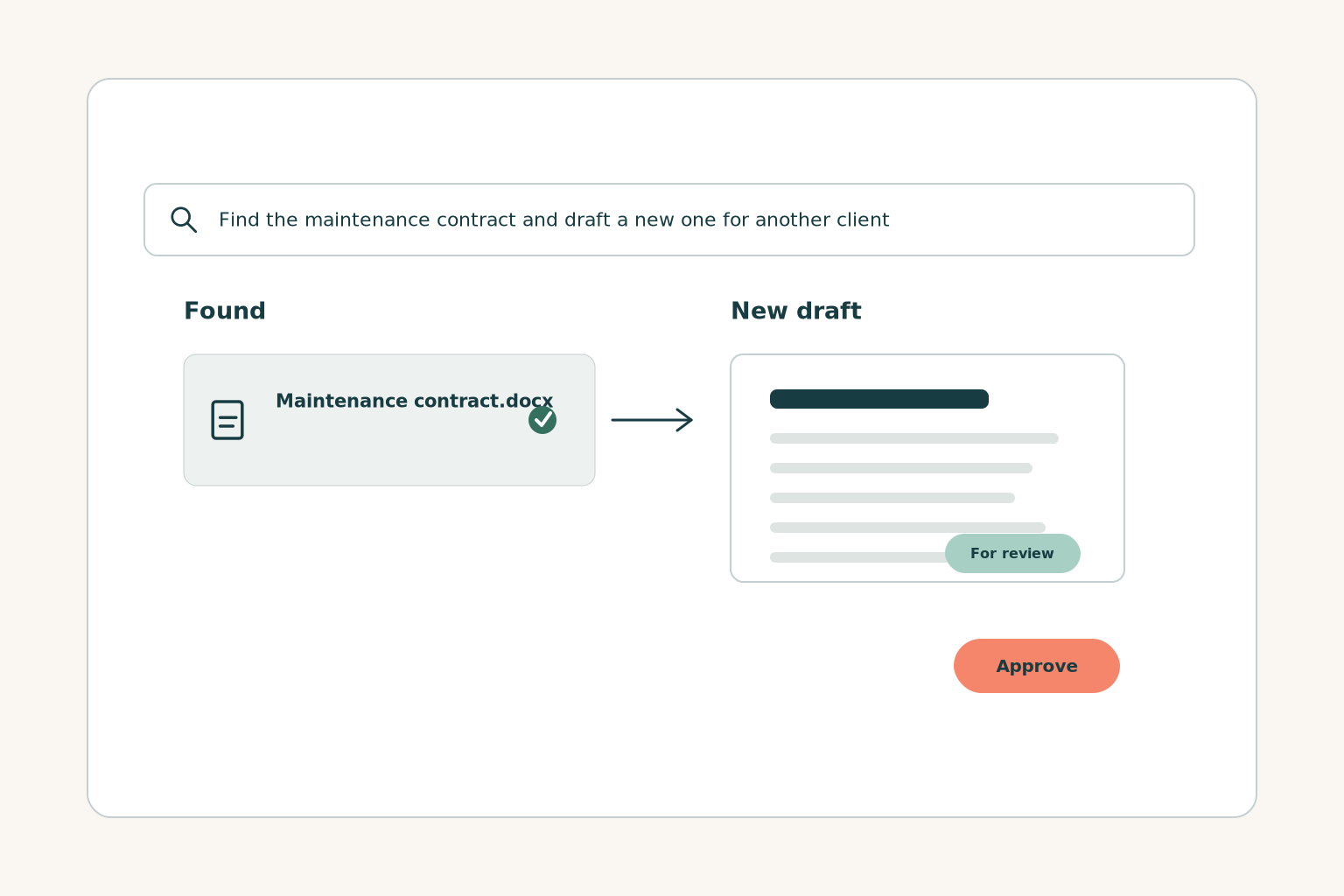
Your next document starts from what you've already written
Contracts from your own templates
From your templates and previous contracts, with the new client's details.
Quotes with your prices and terms
In the format you already send, from your price list and previous quotes.
Excel, P&L and budgets
Your data in tables and reports, ready to discuss with your accountant or partners.
Training programmes for your team
Modules and exercises built on your own procedures, for new and existing staff.
Presentations and reports
In PowerPoint, Word or PDF, with your business's material and tone.
Anything else your work needs written
Emails, marketing copy, instructions, minutes. Tell us what you write today and we'll set it up.
Getting started
From the folder to the assistant, without changing how you work
We connect your files
From where they are today, with the access rights that already apply.
You ask or request a document
Write what you're looking for or what you want prepared, as you would tell a colleague.
You review and approve
Every new document goes through you before it is sent or saved as final.
Frequently asked questions
Before we start
Have another question?
Ask usWhere do my files need to be stored?
Where they are today. Which sources are connected, such as shared folders, email or cloud storage, we confirm at our first meeting.
Do my files leave the European Union?
No. Processing takes place on an AI VOICE server in the European Union, as with all our services. The assistant shows each user only what they have the right to see.
Can I trust what it writes?
Every answer shows the source file so you can check it. New documents are drafts: you read and approve them before they are used.
Does it read scanned documents?
Yes, together with PDF, Word, Excel and email. If you have files in another format, we look at them together at our first meeting.
Does it replace my accountant or lawyer?
No. It prepares drafts and finds information. Professional judgement and signatures stay with the people who hold them today.
Which document do you look for most often each week?
Bring a real example to the meeting and we'll show you how you would find it or write it with the assistant.